Password management
Keep saved login credentials organized and update password entries when you change an account’s password.
Security Vault by TURUBA Technologies helps you manage passwords, generate new credentials, store backup and recovery codes, and organize sensitive files. The Android app also includes Secure Notes for private notes and Money Ledger to track money lent and received.
Available online at vps.turubatechnologies.com
 SECURITY VAULT
Your digital vault.
SECURITY VAULT
Your digital vault.
Keep the information you use to access your digital life organized with practical password and vault tools.
Keep saved login credentials organized and update password entries when you change an account’s password.
Create a password with the mobile app’s length and character options, then use it when setting up or updating an account.
Keep sensitive files in encrypted storage with protected access.
Organize backup and recovery codes in the Security Codes area with protected access.
Email verification, two-factor authentication, and recovery controls help protect account access.
Use vault auto-lock, session controls, and security activity features to manage your account.
Use biometric unlock on supported mobile devices.
Keep private notes in the Android app. Organize them with categories and tags, pin important notes, and search when you need them.
Track money lent and received in the Android app. Keep personal money records together, including the person, amount and notes for each entry.
We are working on Turuba Vault Teams for businesses and teams, extending our product vision to the needs of organizations.
Turuba Vault Teams is currently in development and is not yet available. Features and launch details will be shared when ready.
Contact us about Turuba Vault TeamsExplore real screens from the Security Vault mobile app, including account controls, security codes and secure files.
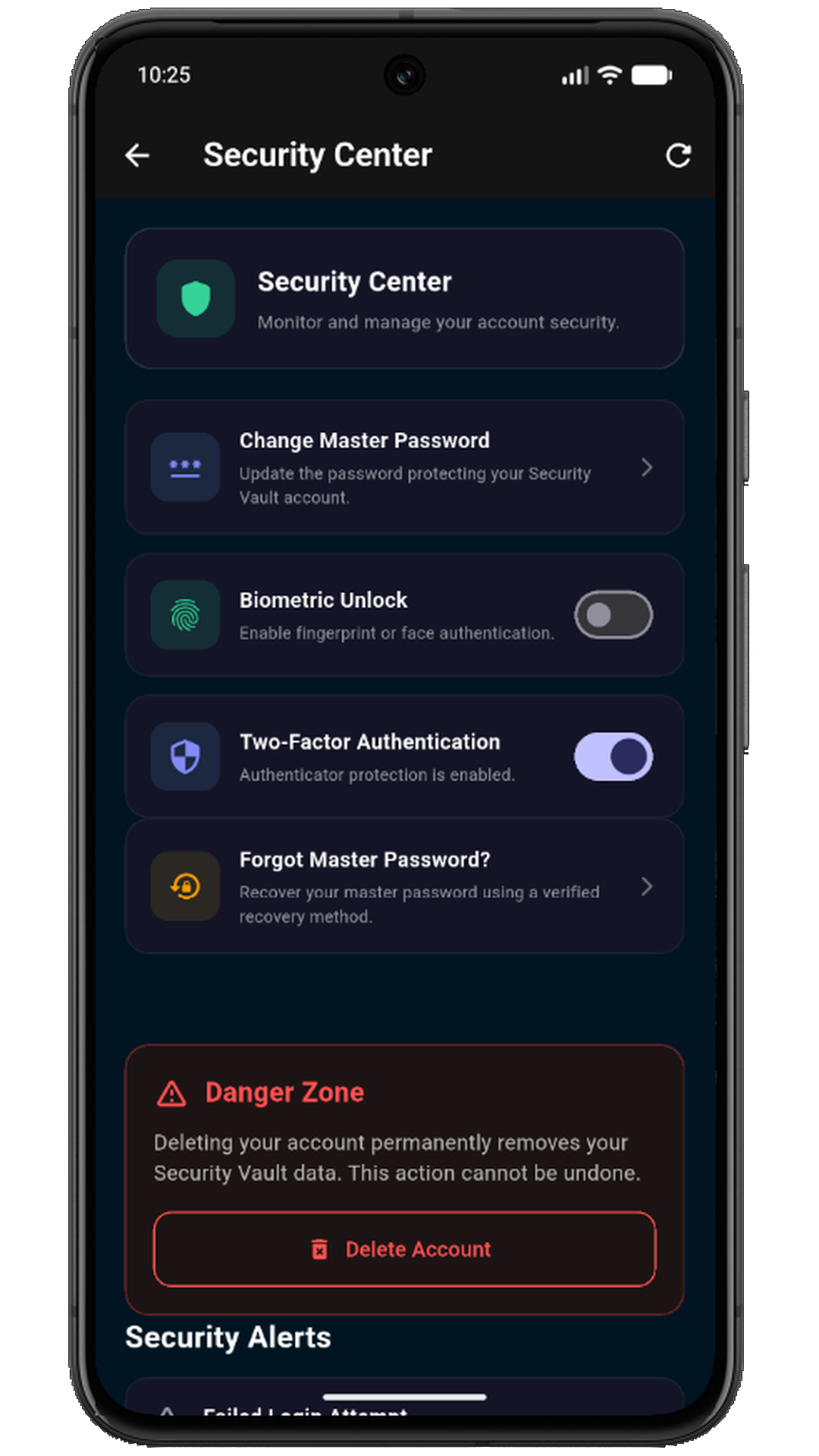
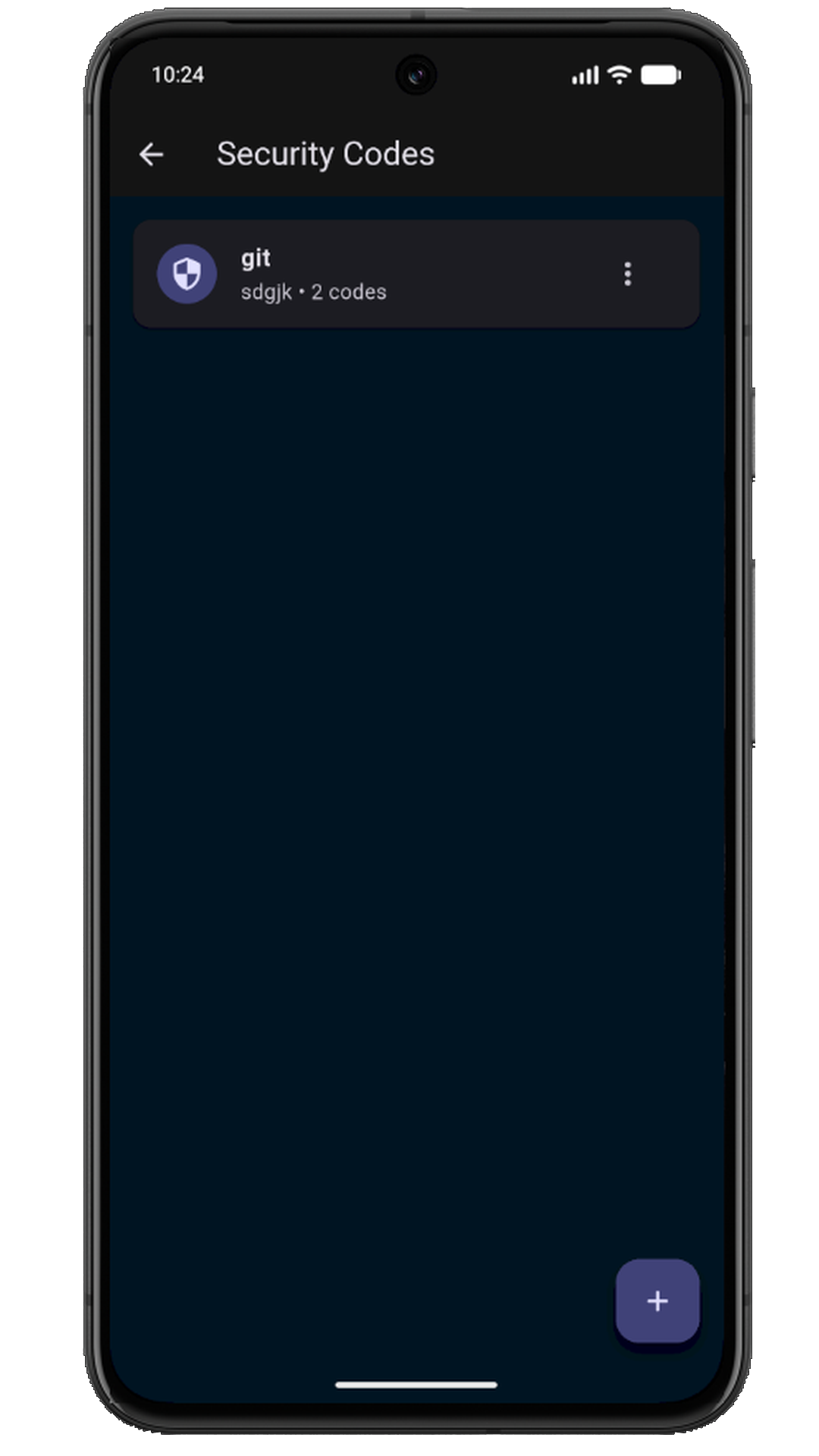
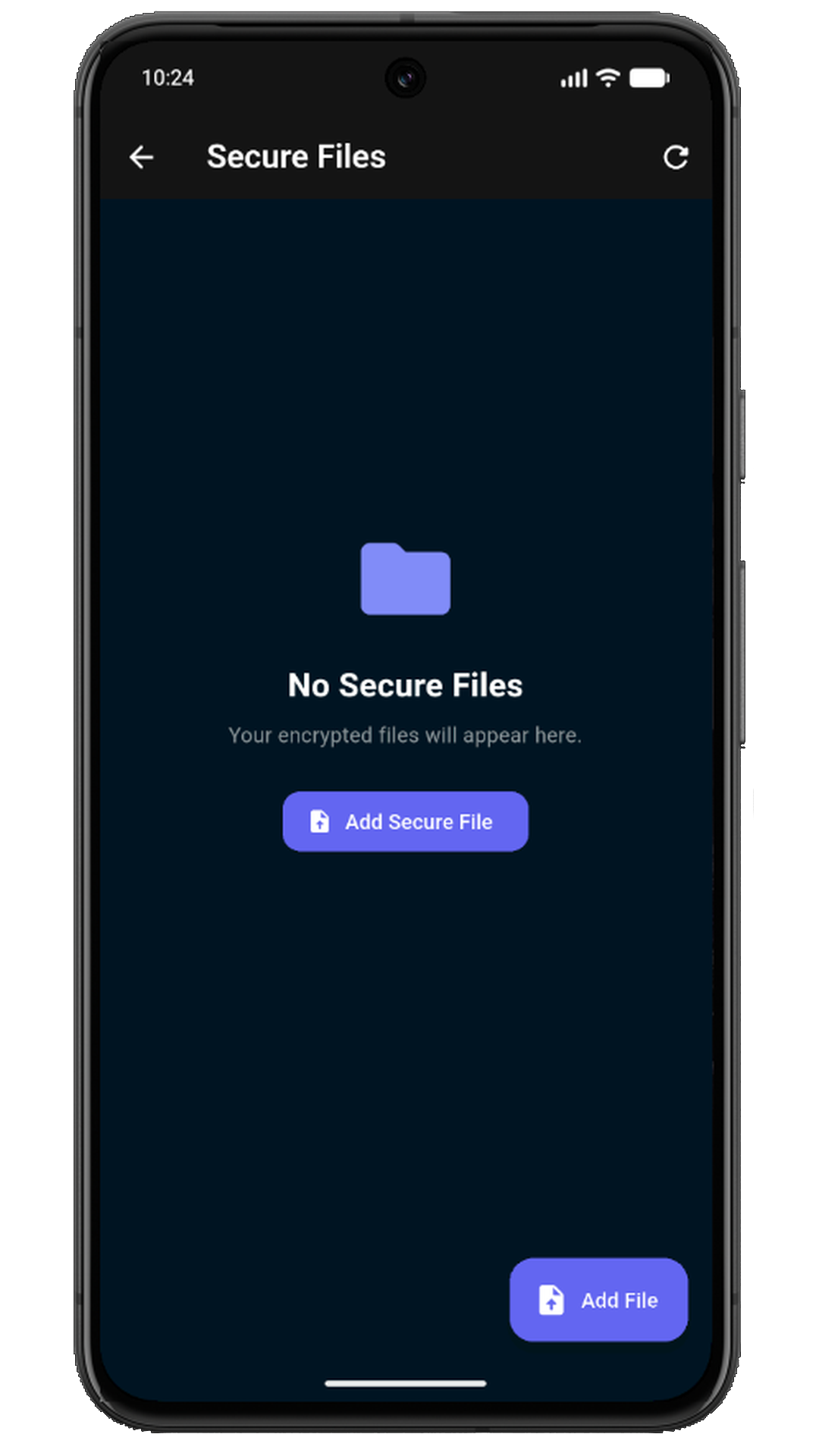
Security Vault uses password hashing and encryption mechanisms for vault data and files, and production web/API communication uses HTTPS. Security controls can reduce risk, but no online service can promise absolute security.
Read the Security page for current security controls and responsible disclosure information, or review the Privacy Policy to learn how information is handled.
Open Security VaultProduct details and ways to get help.
Use the official Security Vault login page to access an existing account. New users can sign up for Security Vault.
Security Vault is an online password and secure-file manager from TURUBA Technologies. It also includes password generation, protected security-code storage and account security controls, plus Secure Notes and Money Ledger in the Android app.
Secure Notes lets you keep private notes in the Android app, organize them with categories and tags, and pin important entries for easy access.
Money Ledger helps you keep a personal record of money lent and received in the Android app. It records entries; it does not send or receive payments.
Yes. Security Vault includes a password generator and related security tools.
Yes. The Security Vault web app is available at vps.turubatechnologies.com.
Visit the Security page for a summary of current controls and instructions for reporting a potential vulnerability.
Visit Security Vault Support or email support@turubatechnologies.com. Do not send passwords, recovery codes, or encryption keys by email.
Download Security Vault for Android on Google Play, or create an account in the online vault.
Understand the tools and build a workflow for managing your accounts.